A Beginner’s Guide to Manufacturing Schedule Basics

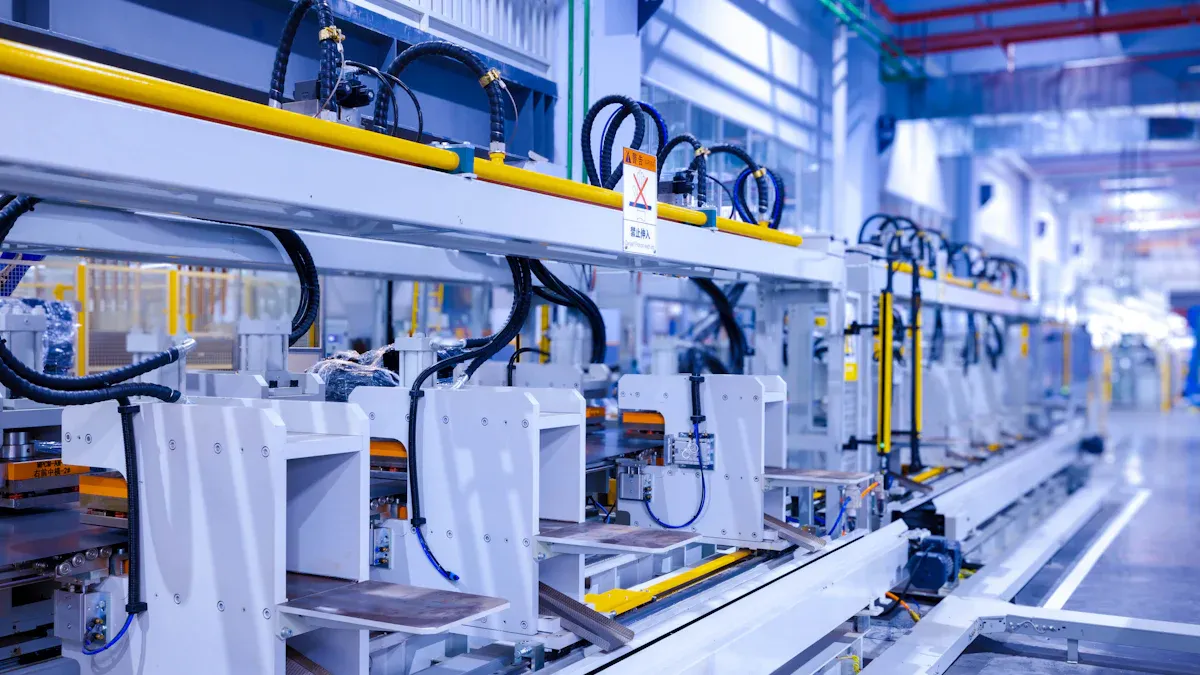
You may ask what production scheduling is. It means choosing when and how to finish each step in making something. Understanding the manufacturing schedule basics helps you perform well. Good scheduling allows you to utilize your resources more effectively. It also minimizes waste and enables you to respond to customer needs quickly. Almost all companies, about 99%, still rely on Excel for production scheduling instead of advanced software. Planning, resource allocation, and MRP systems assist you in organizing production. They ensure that every aspect of production planning operates smoothly.
Manufacturing Schedule Basics
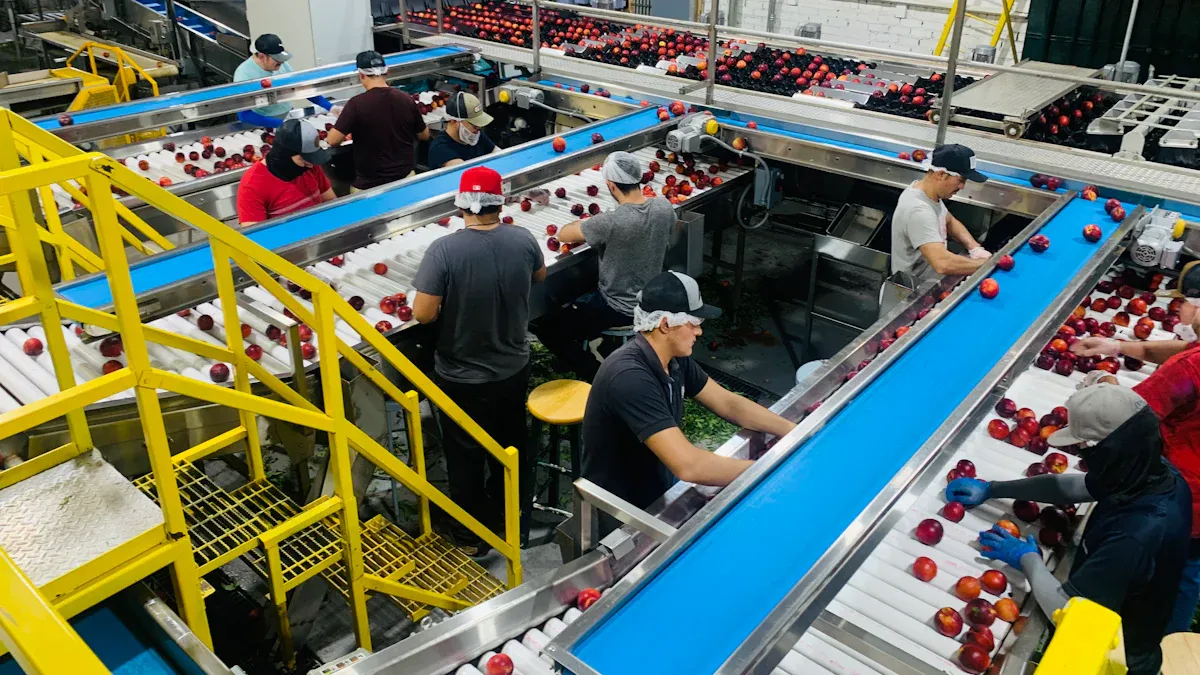
What Is Production Scheduling?
You must know about production scheduling to run a factory. Production scheduling means you decide when each step will happen. You make a plan for every order you get. The plan lists the steps, machines, and people you need. You have to track routings, which show the path each product takes. You also find out which work centers do each job. When you set up your system, you pick scheduling rules to help you control things.
Production scheduling is more than just making a list. You use it to:
Plan production orders when you get them.
Keep routings with all jobs and work centers.
Set scheduling rules in your planning system.
Use your resources in the best way.
Make products faster and spend less on setup.
Assign workers better and help them work well.
You also need to link production scheduling with production planning. Production planning helps you choose what to make and when. Production scheduling shows you how to do it. When you use both, you make a master schedule for your whole factory. This schedule helps you manage inventory, meet customer needs, and keep things running smoothly.
Why Scheduling Matters
You may wonder why scheduling matters so much. Good scheduling helps you stop problems that slow down your factory. If you do not schedule well, you waste time, lose money, and upset customers. Look at the table below to see how bad scheduling can hurt your business:
Evidence Type | Description |
|---|---|
Wasted Time | Lost time from poor planning can cost a lot of money. |
Operational Delays | Delays in the line from bad scheduling cost you directly. |
Customer Satisfaction Impact | Delays hurt product quality and make customers unhappy, which hurts profits. |
When you use manufacturing schedule basics, you can:
Put production tasks in the right order.
Give machines and workers to each job.
Cut down on wasted time and use resources well.
Change plans fast if demand changes or something goes wrong.
Deliver products on time and keep customers happy.
Good scheduling also helps you control inventory. You do not want too much inventory in your warehouse. You also do not want to run out of parts when you need them. With a good master schedule and planning, you can balance inventory and keep costs low.
You get many benefits when you use good scheduling methods. For example:
Planning with standard data helps you plan shifts better.
Seeing all worker skills helps you pick the right person for each job.
Automation in shift plans cuts downtime and helps workers do more.
Better planned skills mean less time lost in production.
Using training well saves money and helps your factory work better.
Short-term scheduling choices can change how you do in the market.
Companies that improve their process get more competitive, especially with time.
You should remember that manufacturing schedule basics are key to working well. When you use mrp ii and other planning tools, you can plan capacity, control inventory, and make better products. Good scheduling helps you reach your goals and grow your business.
Planning vs. Scheduling
Key Differences
It is important to know how planning and scheduling are different. Planning helps you set goals for the future in your factory. You use planning to pick what to make and how much to keep in stock. Planning also helps you decide which materials to buy. Scheduling helps you plan out daily jobs and give out resources. You use scheduling to pick when each job starts and ends. Experts say planning and scheduling work best with clear rules. If you do not set rules, both can have problems.
Here is a table that shows how planning and scheduling are not the same:
Aspect | Planning | Scheduling and Capacity Planning |
|---|---|---|
Definition | Long-term planning of the entire production system. | Short-term allocation of resources and timing for production. |
Key Tasks | Inventory control and material supply | Detailed scheduling of production tasks |
Focus | Development and optimization of processes | Execution of planned processes efficiently |
Variability | Varies widely depending on the type of production | More consistent across different production types |
Planning helps you make good strategies and improve how things work. Scheduling helps you use your time and resources in the best way. Both need clear rules to be successful.
How They Work Together
You use both planning and scheduling to keep your factory running well. Planning gives your factory a path to follow. Scheduling makes sure the plan happens each day. You use production planning to guess what you will need and get materials ready. Scheduling helps you give jobs to machines and workers at the right times. You use mrp ii to connect planning and scheduling together. This system helps you watch inventory, manage jobs, and check quality.
Here is how planning and scheduling work together in your factory:
You make your factory work better with careful short-term plans.
You stop running out of inventory and find problems early.
You keep work moving smoothly between different stations.
You use mrp ii to see what resources you have right now. You can change plans fast if something happens. You use tactical planning to guess what you need and use your materials, workers, and machines well. You keep your inventory just right and make sure your products are good. You count on mrp ii to help with planning and scheduling every day.
Scheduling Methods in Manufacturing
Manual vs. Automated Scheduling
You can pick manual or automated scheduling for your factory. Manual scheduling means you use spreadsheets or paper to plan jobs. Automated scheduling uses software to make and change plans fast. Automated systems save time and help you make fewer mistakes. Manual scheduling can take 15-20 hours each week and often has errors. Automated tools do the same work in just seconds. You also get updates right away and can talk to your team better with automated scheduling. The table below shows how manual and automated scheduling are different:
Aspect | Manual Scheduling | Automated Scheduling |
|---|---|---|
Time Consumption | Schedules in seconds | |
Error Rate | High risk of mistakes | Fewer errors with automation |
Real-time Updates | No real-time updates | Instant updates and alerts |
Communication | Changes are hard to share | Changes sent to everyone fast |
Constraint Management | Hard to manage many rules | Handles many rules at once |
Visibility | Limited access to information | Full access for all users |
You can see that automated scheduling makes it easier to manage production, planning, and inventory.
MRP Systems Overview
Manufacturing resource planning, called mrp ii, helps you control production and inventory. You use mrp ii to check what you need, what you have, and what you must order. This system gives you real-time data to help with production scheduling. You can guess what you will need and stop running out of parts. The table below shows how mrp ii helps you:
Key Benefit | Explanation |
|---|---|
Accurate inventory data helps you plan for the future and avoid shortages or extra stock. | |
Optimized Production Efficiency | Real-time inventory data lets you make better schedules and reduce waste and delays. |
You use mrp ii to connect production planning, scheduling, and capacity planning. This system helps you keep the right amount of inventory and keep quality high.
Common Approaches
There are many ways to do production scheduling in factories. Most companies use production scheduling software to stop bottlenecks and reach their goals. This software works with ERP systems to keep data moving well. You can use automatic scheduling but still make changes by hand if needed. This helps you fix problems and make your schedules better. You also use mrp ii to link planning, inventory, and production. You get better results when you use these tools and methods together. You can keep your factory working well and meet what customers want.
Scheduling Steps

You can make your manufacturing process smoother by following clear scheduling steps. Each step helps you organize your work, use your resources well, and keep your production on track. Here is how you can break down your projects, sequence operations, allocate resources, and monitor and adjust your schedule.
Break Down Projects
Start by breaking your project into smaller, manageable tasks. This makes it easier to plan and track your progress. You can follow these steps:
Forecast product demand. Look at sales history and market trends to estimate how many products you need.
Map out production tasks. List every step you must complete and see how each task depends on others.
Choose a production method and build the schedule. Pick the best way to make your product and create a detailed plan.
Monitor progress. Track your production in real time and compare it to your plan.
Adjust the plan when needed. Stay flexible and ready to change your plan if something unexpected happens.
Tip: Use a simple spreadsheet or a project management template to list your tasks and deadlines. This helps you see what comes next and spot any missing steps.
Sequence Operations
After you break down your project, you need to put the tasks in the right order. This step is called sequencing operations. You want to make sure each job happens at the right time and nothing gets delayed.
Use advanced scheduling techniques like finite capacity scheduling or just-in-time scheduling to plan your work.
Track your progress with real-time monitoring systems. These tools help you spot bottlenecks before they slow you down.
Assign jobs based on worker skills and availability.
Focus on the most important tasks first. These jobs often affect your whole production timeline.
Think about equipment maintenance and supplier lead times when you plan.
Apply lean manufacturing ideas to cut waste and keep your process smooth.
Try production scheduling software or a manufacturing execution system for better automation and visibility.
APS systems help you plan your production orders in detail. They look at delivery dates, resource availability, and production limits to make the best schedule.
Tip: If you are just starting, you can use color-coded sticky notes on a whiteboard to show the order of tasks. Move them around as you adjust your plan.
Allocate Resources
You must give the right people, machines, and materials to each task. Good resource allocation keeps your production moving and avoids delays.
Check your inventory before you start. Make sure you have enough materials for each job.
Use mrp ii to see what resources you have and what you need to order.
Assign workers based on their skills and the needs of each task.
Schedule machines so they do not sit idle or get overworked.
Watch your inventory levels as you go. Update your plan if you run low on parts.
Tip: Try using a basic resource allocation chart in Excel. List your workers, machines, and materials, then match them to each task. This helps you spot shortages early.
Monitor and Adjust
You need to watch your production closely and make changes when things do not go as planned. Monitoring and adjusting your schedule helps you keep your production on track and improve over time.
Start by focusing on your most important machines or lines. These areas often give you the biggest gains.
Use sensors or simple checklists to gather only the data you need. Too much information can slow you down.
Show your data on clear dashboards. This helps you and your team react quickly to problems.
Look at your data often and change your process to get better results. Do not just collect information—use it to improve.
Involve your team in every step. When everyone understands the plan, you get better results and fewer mistakes.
Tip: Hold short daily meetings with your team to review progress and talk about any issues. Use a shared dashboard or printed charts to keep everyone informed.
Simple Example: Scheduling a Small Batch of Products
Imagine you need to make 100 custom T-shirts for a local event. Here is how you can use these steps:
Break Down Projects: List tasks like ordering fabric, printing designs, sewing, and packing.
Sequence Operations: Decide that you must order fabric first, then print, then sew, then pack.
Allocate Resources: Check your inventory for fabric and ink. Assign your best printer to the design step and your fastest sewer to the sewing step.
Monitor and Adjust: Track progress each day. If the printer breaks, move sewing ahead or call for repairs. Update your plan and tell your team.
By following these steps, you can finish your order on time, use your resources well, and keep your customers happy.
Factors for Effective Production Scheduling
Resource Availability
You must know what resources you have before you start. Resources are workers, machines, and materials. Manufacturing resource planning helps you see what is ready and what you need to buy. mrp ii lets you check your inventory and plan for shortages. You should look at your resources every day. If you do not have enough, you need to change your plan. Managing resources well keeps production moving and keeps quality high.
Production Capacity
Production capacity means how much you can make in a set time. Capacity planning helps you match your resources to your goals. mrp ii gives you ways to measure and improve capacity. You can use different tools to check your production capacity:
Method/Tool | Description |
|---|---|
Simulations | Try out different situations on a computer to see how machines, layouts, staff, or problems affect work. |
Capacity Scheduling Table | This tool helps you balance planned orders and fix bottlenecks easily. |
Tabular Planning Table | Shows you all your available capacity and sends jobs to open times. |
Graphical Planning Table | Lets you plan capacity needs in detail and send jobs at the right time. |
You should use these tools in your manufacturing resource planning system. They help you find bottlenecks and keep production on track.
Lead Times
Lead times show how long each step in production takes. You must know your lead times to make good schedules. mrp ii helps you watch every step from order to delivery. When you look at lead times, you can find slow steps and fix them. Shorter lead times help you deliver faster and make customers happy. Manufacturing resource planning helps you check lead times and change your plan. This keeps your production running well and your inventory balanced.
Note: Lead times change how happy customers are and how well your factory works. You should check each step to find ways to make things better.
Flexibility
Flexibility means you can change your plan if something happens. You need flexibility for rush orders, broken machines, or changes in demand. mrp ii helps you change schedules fast. You can use different ways to make your planning more flexible:
Strategy Type | Description |
|---|---|
Auction-based multi-agent system | Lets you change schedules quickly when things are uncertain. |
Multi-objective mixed-integer programming | Helps you schedule resources well when things are stable. |
Continuous flow model | Plans for steady production over a long time. |
You should choose the strategy that works best for your factory. Flexible planning helps you keep production going and keep quality high, even when things change.
Scheduling Best Practices
Start Simple
Begin with easy tools when you start production scheduling. Try using a spreadsheet or a simple template for your tasks and deadlines. This helps you see each step and keeps things clear. Free templates online can help small teams get started. As you get better, you can switch to advanced software. Starting with simple tools lets you focus on making products on time.
Tip: Use color-coded charts or sticky notes to track progress and spot delays fast.
Communicate with Team
Talking clearly with your team is important for good scheduling. Share updates with everyone, like workers, warehouse staff, and maintenance crews. When everyone knows what is happening, you have less downtime and better teamwork. Teams that work together make fewer mistakes and keep production moving.
Good communication means all teams, like production, warehouse, and maintenance, work together. This teamwork helps you avoid downtime and makes everything run better. When teams talk and share updates, your schedule works well.
Review Regularly
Check your schedule often to catch problems early. Regular reviews help you fix issues before they get bigger. Hold short meetings to talk about progress and changes. Use dashboards or printed charts to show how things are going. Reviewing your schedule helps you learn from mistakes and do better next time.
Watch out for these common mistakes:
If teams do not talk the same way, you might run out of resources or have delays.
Wrong parts lists or work schedules can cause big problems.
If planned times and real times do not match, you can have delays and waste.
Changes that are not planned need quick thinking and a team that can handle them.
Planning ahead helps you guess what you will need and change your plan.
Note: You can stop most mistakes by using simple tools, keeping your team updated, and checking your schedule often.
Overcoming Scheduling Challenges
Handling Changes
You deal with changes every day at work. Orders can go up fast. Machines sometimes break down. Materials might show up late. You must act quickly to keep things running. Using digital schedules helps you connect planning and doing. Real-time data lets you change plans faster. When you match materials, machines, and workers, things go smoother. If your company gets bigger, you need changes that work again and again. The table below lists common problems and ways to fix them:
Challenges | Solutions |
|---|---|
Scheduling & process digitization | Digitize the schedule and link it to execution |
Inventory & resource management | Synchronize materials, equipment, and people |
Production line expansion & scalability | Make change scalable and repeatable |
Tip: Use digital tools to update your schedule fast. Share changes with your team right away.
Managing Bottlenecks
Bottlenecks slow down your work and cause delays. You need to find and fix them to keep things moving. Start by drawing out all main steps to spot where work piles up. Time studies show how long each step takes. Digital tools help cut waiting time and keep info moving. Try these ideas:
Bottleneck Walk: Watch your work to find slow spots.
Bottleneck Mapping: Draw and measure bottlenecks to see their effect.
Cross-Training: Teach more workers important jobs.
Process & Interface Optimization: Make handovers better and explain roles.
For example, one supplier found delays by mapping bottlenecks and changed their process. A plastics company trained more workers to help busy stations. A metal company used checklists to save time.
Note: Check your workflow often and train your team for different jobs.
Limited Resources
Having few resources makes meeting deadlines hard. You must plan well to use what you have. Special software helps you work faster and save money. Use KPIs to see how well you use resources. Lean methods help you cut waste and make tasks easier. Focus on the most important jobs first. Modern ERP systems help you manage resources and change plans automatically. AI tools help you guess needs and make smart choices. Advanced Planning & Scheduling systems use math to solve tough scheduling problems.
Plan jobs and use software to watch progress.
Use KPIs to check how you are doing.
Try Lean methods to make your process simple.
Focus on key jobs first.
Use ERP and AI tools to manage resources better.
Tip: Begin with easy planning tools and switch to better ones as you grow.
Learning the basics of manufacturing scheduling helps your business grow strong. When you schedule well, you get many good results: Better communication lets your team work well together. More transparency means everyone knows their job and makes fewer mistakes. Smoother workflows cut out extra steps and save money. You can get better at scheduling by doing these things:
Write down how you do things now.
Fix your data and find anything that looks strange.
Check sales to see which products make the most money.
Guess how new products will do by looking at similar ones.
Keep practicing these steps and learning more to make your production scheduling even stronger.
FAQ
What is the easiest way to start production scheduling?
You can begin with a simple spreadsheet. List your tasks, deadlines, and resources. Update it daily. This method helps you see your progress and spot problems early.
How often should you review your schedule?
You should check your schedule every day. Regular reviews help you catch mistakes and adjust quickly. Daily meetings with your team keep everyone informed.
Which tools help beginners with scheduling?
You can use Excel, Google Sheets, or free online templates. These tools let you organize tasks and track progress. As you learn more, try basic scheduling software.
What should you do if a machine breaks down?
You need to update your schedule right away. Assign other tasks to your team. Call for repairs. Use a checklist to track changes and keep production moving.
See Also
Understanding SMED: A Newcomer's Guide for Manufacturers
Manufacturing Performance Indicators: A Comprehensive Overview
Understanding Heijunka: Key Concepts for Today's Manufacturing
The Role of Jigs and Fixtures in Manufacturing Explained
Effective Approaches to Manage Urgent Manufacturing Requests
About Hunan Puka

Established in 2016 and based in Hunan, China, with a liaison point in Berlin, we are a Tier 2 supplier for the automobile industry. We specialize in the production of customized aluminum die-casting parts designed for machines with a closing force ranging from 280 to 1250 tons, with subsequent manufacturing process CNC machining and surface treatment. Our commitment to quality is reflected in our accredited quality management system, certified by ISO9001:2015 and IATF16949:2016 standards.