Understanding Data Center Liquid Cooling for Modern IT Infrastructure

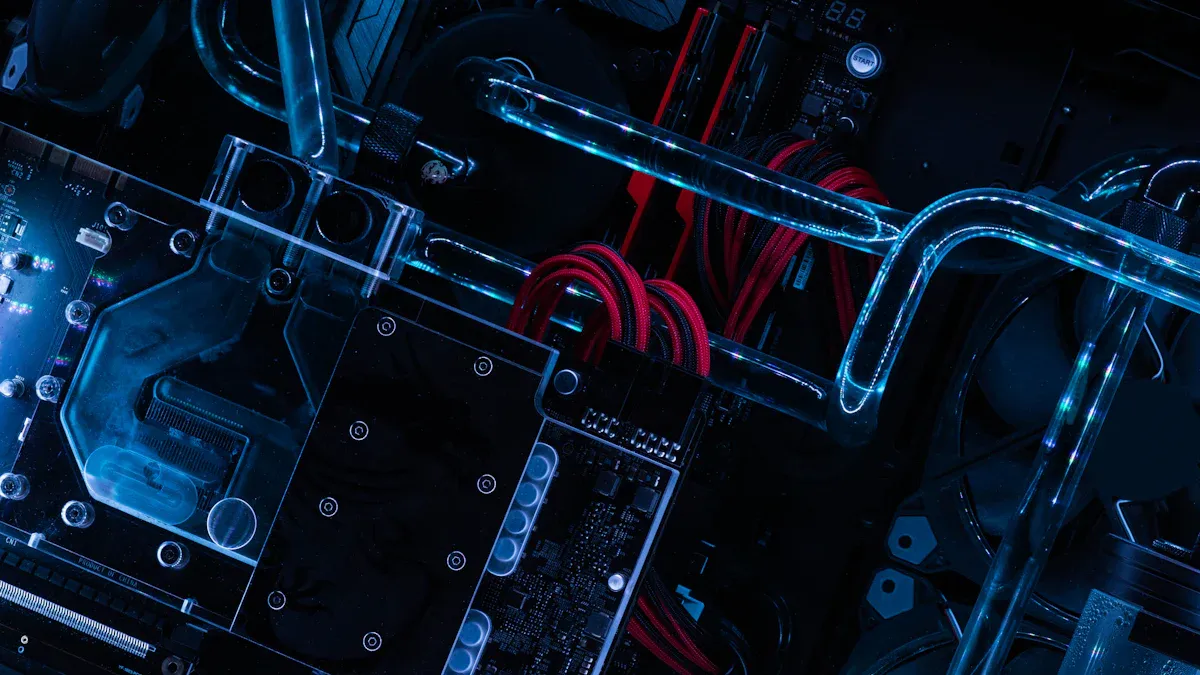
Data center liquid cooling uses water or other fluids to take away heat from powerful servers. This method is now very important because data centers are working harder. AI, machine learning, and cloud platforms make more heat. This means you need better ways to cool things down. The table below explains why liquid cooling is a smart idea:
Key Driver | Description |
|---|---|
AI, machine learning, and cloud platforms make more heat, so you need better cooling solutions. | |
Sustainability and Energy Efficiency | Liquid cooling uses less energy and helps meet rules for the environment. |
Innovation in Cooling Technologies | New ideas like immersion and direct-to-chip cooling help things work better and give more choices. |
You can use liquid cooling to save energy and keep your data center working well.
Data Center Liquid Cooling Overview
Definition and Key Concepts
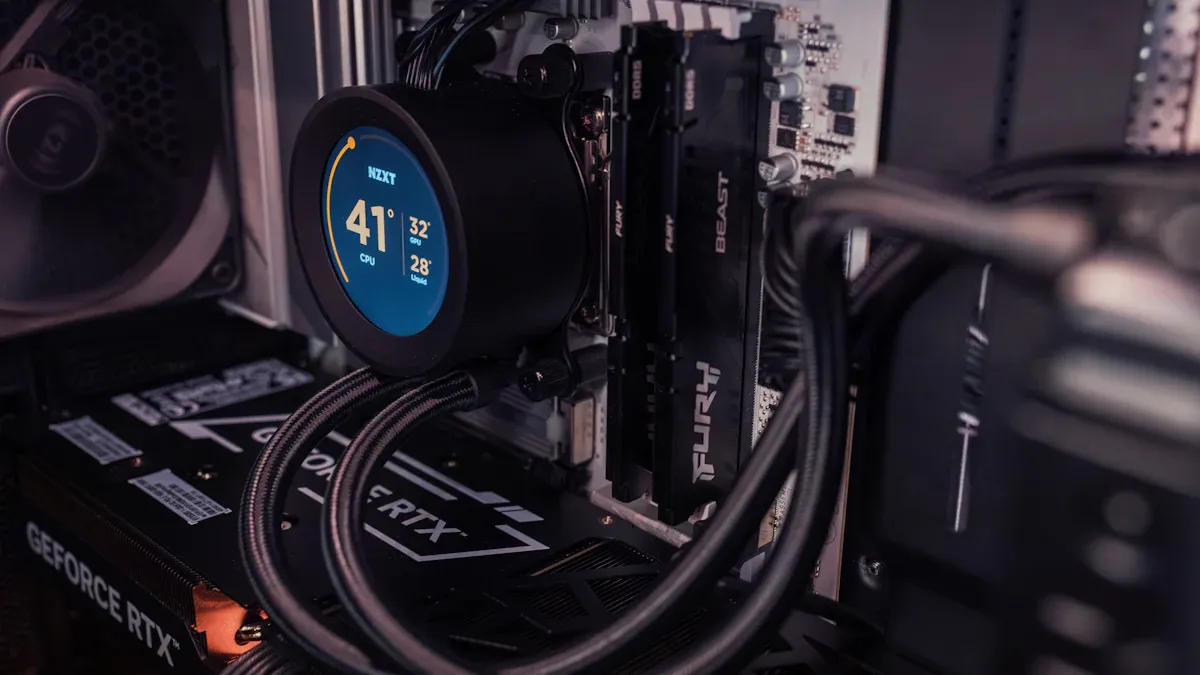
Data center liquid cooling is a way to keep servers cool by using liquids instead of air. This technology helps control the heat made by IT systems. It uses a liquid to soak up heat and move it away from the equipment. Liquids are better than air because they can hold more heat and move it faster. First, the coolant takes in heat from the servers. Then, the liquid goes through pipes and gives off the heat at a heat exchanger. After that, the cooled liquid goes back to the servers and starts again.
Liquid cooling has some special ideas that make it different from other ways to cool things. The table below shows how liquid cooling is not the same as other cooling methods:
Key Concept | Other Cooling Methods | |
|---|---|---|
Thermal Efficiency | Better at moving and holding heat | Air does not work as well |
Noise Reduction | Runs more quietly, so you can fit more equipment | Fans make more noise |
Performance Stability | Keeps things cool and stops overheating | Can get too hot |
Advanced Techniques | Uses direct-to-chip cooling for top performance | Uses regular air cooling |
Cost Efficiency | Uses 30% less power, so you save money | Costs more to run |
When you use liquid cooling, you need to think about a few things:
What materials and parts you will use
How to add it to your current setup
Making sure it works even if something breaks
Checking and fixing the system often
These ideas help explain why many data centers pick liquid cooling. It helps them work better and use less energy.
Data Center Water Cooling
Data center water cooling uses water to take heat away from servers. Water moves through pipes around the IT equipment. The water goes through a water block that sits on the processors. The water block takes in the heat and sends the warm water to a radiator. Fans blow air over the radiator to cool the water down. The cool water then goes back to the servers and starts again.
A data center water cooling system has a few main parts:
Water block
Radiator
Pipes
Reservoir
Anti-fouling solution
The coolant distribution unit is very important. It keeps the building’s water system and the cooling system separate. This helps keep the water clean and safe for your equipment.
Water cooling can handle a lot of heat. This is important for data centers with lots of servers. Liquids move heat better than air. This means you can run servers hotter without problems. You also use less energy, which saves money and helps the environment. Water cooling lets you use the heat again, which is good for the planet.
Tip: If you want your data center to work well and use less energy, try water cooling. It is one of the best ways to cool modern IT systems.
Liquid Cooling Methods
Direct-to-Chip Cooling
Direct-to-chip liquid cooling helps keep servers cool. A cold plate sits right on the chip. The plate takes heat away from the chip. Coolant moves through the plate and picks up the heat. Then, the coolant carries the heat away. This keeps the hardware cool and working well.
Here is how direct-to-chip liquid cooling works:
Step | Description |
|---|---|
Cold Plate Attachment | You put a cold plate on the chip. The plate moves heat very well. |
Coolant Circulation | A special fluid flows through the plate and takes heat from the chip. |
Heat Dissipation | The hot fluid gives its heat to air or water to cool down. |
Coolant Recirculation | The cooled fluid goes back to the cold plates and starts again. |
Cooling Modes | You can use single-phase (liquid stays liquid) or two-phase (liquid turns to vapor and back). |
Efficiency | This way is better than air cooling. It lets you use more power and saves energy. |
Direct-to-chip liquid cooling has many good points. You use less energy because it moves heat fast. You can run more powerful chips since it cools them quickly. The cooling gear fits inside the server racks, so you save space. Your data center does not get too hot, so it works all the time. The system is quiet, so you can add more servers. Your hardware stays cooler, so it lasts longer.
Tip: If you want your data center to work better and last longer, direct-to-chip liquid cooling is a smart idea.
Immersion Cooling
Immersion cooling is another way to cool servers. You put the whole server in a bath of special liquid. The liquid touches every part and takes away the heat. This works well for big data centers with lots of computers.
Here is a table that shows how immersion cooling and water cooling are different:
Feature | Immersion Cooling | Water Cooling |
|---|---|---|
Cooling Medium | Non-conductive liquid (mineral oil, engineered fluids) | Water or water-glycol mixture |
Heat Dissipation | High efficiency, better thermal conductivity | Good, but lower than immersion |
Maintenance | Low — no pumps or tubing needed | Higher — requires pumps, tubing, blocks |
Noise | Silent (no fans required) | Fans and pumps generate noise |
Cost | Higher upfront, long-term savings | Lower upfront, higher operating costs |
Reliability | Stable, less chance of overheating | Dependent on water flow and system upkeep |
Immersion cooling is very good at moving heat and is very quiet. You do not need fans or pumps, so there is less noise. There are also fewer parts that can break. You save money over time because you do not need to fix it much.
Immersion cooling gives you more good things. You use less energy than with air cooling. Your servers last longer because the liquid keeps them cool. You can fit more chips in a small space, so you get more power. You spend less money to run your data center.
But there are some things to think about. Immersion cooling can use a lot of power, which can be hard for local power grids. New rules might make you tell how much energy you use and how much carbon you make. You need to plan for these things if you want to use immersion cooling.
Note: Immersion cooling is great for lots of servers and saving energy. You should think about the cost and local rules before you start.
Cooling Fluids Used
You need the right fluid for your liquid cooling system. The fluid must move heat well and keep your equipment safe. Here are some common fluids and what they do:
Fluid Type | Thermal Property Description |
|---|---|
Water | High heat capacity, efficient heat transport compared to air. |
Water and Glycol Mixture | Enhanced cooling capacity, reduces risk of hot spots. |
Non-Conductive Fluids | Used in immersion cooling, safe for electronics, good heat transfer. |
Water is the most used fluid for liquid cooling. It holds a lot of heat and moves it away fast. You can also use a water and glycol mix. This mix cools even better and stops hot spots.
For immersion cooling, you need a non-conductive fluid. These fluids can be mineral oil or special liquids. They do not carry electricity, so they are safe for your hardware. They also move heat well, so your equipment stays cool.
When you pick a fluid, think about these things: how well it moves heat, if it is safe for your equipment, how often you need to change it, and how much it costs.
Picking the right fluid helps your data center work better and last longer. This is very important for modern liquid cooling systems.
Liquid Cooling vs. Air Cooling
Efficiency Comparison
You want your data center to work well and not waste energy. Both air cooling and liquid cooling have gotten better over time. New air cooling systems can save almost as much energy as liquid cooling. Some people think liquid cooling is always best, but that is not true for every case. Air cooling uses smart controls and sensors to keep things cool. These tools help use less energy. Air cooling is also known for being steady and accurate. But liquid cooling can move heat away from servers faster. This helps when you have powerful computers that get very hot. If your server racks are packed close together, liquid cooling works better.
Environmental Impact
You want to help the planet and make less pollution. The table below shows how liquid cooling and air cooling are different:
Aspect | Liquid Cooling | Air Cooling |
|---|---|---|
Cooling Efficiency | 1000 times more efficient | Less efficient |
Material Usage | Requires less material | Requires more material |
Energy Consumption | Less energy required | More energy required |
Waste Heat Recycling | Efficiently recycled | Not as efficient |
System Size | Smaller in size | Larger in size |
Liquid cooling uses less energy to keep your data center cool. In some places, cooling can use most of the building’s power. Liquid cooling can lower this number a lot. Using less energy means you make less pollution. You can cut down on carbon emissions by a lot each year. If your area uses coal power, you can save even more. Liquid cooling also uses less water because it recycles heat.
Cost and Maintenance
You want to know how much money you will spend and how often you need to fix things. Liquid cooling costs more at the start. You need special parts and fluids. But you save money later because you use less energy. You also do not have to fix things as much. There are fewer moving parts, so things break less. Air cooling is cheaper to set up, but you might pay more for energy and repairs. You need to check fans and filters a lot. If you want to save energy and money, liquid cooling is a good choice. It gives you better performance and costs less over time.
Tip: Pick the cooling system that works best for your data center. Think about energy, the environment, and how much you want to spend before you choose.
Modern IT Infrastructure
Adoption Trends
More data centers use liquid cooling as they get busier. Big companies like AWS, Microsoft Azure, Google Cloud, and Meta use these systems for AI and cloud computing. The IT and telecom area is leading because of 5G and machine learning. Hyperscale data centers need better cooling when power use goes over 30-50 kW per rack. Direct-to-chip and immersion cooling are now common in places with lots of servers. The table below shows how these trends change the industry:
Segment | Key Drivers | Adoption Trends |
|---|---|---|
IT & Telecom | 5G, cloud, AI | Fastest-growing area, shift to direct-to-chip and immersion cooling |
Hyperscale Data Centers | AI, cloud, high-performance computing | Major investments, supports high-density servers and AI workloads |
People care more about the planet, so liquid cooling is growing. Water shortages and carbon rules make heat reuse and systems without refrigerants more popular.
High-Density Applications
Liquid cooling helps you use strong CPUs and GPUs for AI and high-performance computing. Old cooling cannot handle all the heat from these jobs. Direct-to-chip cooling works over 25% better than air cooling. You use up to 25% less power and save almost 89% on cooling costs. Liquid cooling lets new chips work the way they should. In real life, some racks reach 35 kW, and the extra heat can warm other buildings. The table below shows important features:
Feature | Description |
|---|---|
Integrated water cooling | Rack-level cooling for high-density servers |
IT density capability | Up to 35 kW per rack |
Free cooling operation | Yes |
Power Usage Effectiveness (PUE) | 1.07 |
Waste heat reuse | Heats campus buildings |
You get smaller systems and better data center sustainability.
Challenges and Limitations
There are some problems when you use liquid cooling. Old buildings may not fit new cooling systems. Different places need different ways to cool things. Running many systems at once is harder. You have to balance energy use, airflow, and making sure things work well. There are no set rules for how to put these systems together. You also need to keep refrigerant temperatures low but not waste energy. Here are some common problems:
Old data centers may not fit new systems
Weather and location change what system you pick
Running many cooling systems is complex
No set market rules for putting systems together
Balancing hardware needs with reliability
You need to plan well to fix these problems and help your data center work its best.
You can make your data center work better with liquid cooling. This way helps cool racks that have lots of servers. It also keeps energy use low. Here is how liquid cooling and air cooling are different:
Benefit | Liquid Cooling | Air Cooling |
|---|---|---|
Energy Efficiency | More efficient heat removal | Higher operational costs |
Space Efficiency | Compact design | Needs more space |
Hardware Lifespan | Longer due to less heat stress | Shorter due to temperature swings |
You should think about problems like water shortages and changing costs. As AI and strong servers become more common, more data centers will use advanced liquid cooling.
FAQ
What is the main benefit of liquid cooling in data centers?
You get better heat removal with liquid cooling. This method lets you run powerful servers without overheating. You also save energy and lower your costs over time.
Is liquid cooling safe for my IT equipment?
Yes, liquid cooling is safe when you use the right fluids and follow proper installation steps. Non-conductive fluids protect your hardware from electrical damage.
How often do you need to maintain a liquid cooling system?
You should check your system every few months. Look for leaks, fluid levels, and clean parts as needed. Regular checks help your system last longer.
Can you upgrade an old data center to use liquid cooling?
You can upgrade, but you may need to change some parts. Older buildings might need new pipes or racks. Plan your upgrade with a cooling expert for best results.
See Also
Exploring How CAE Analysis Benefits Die Casting Design
A Comprehensive Guide to Various Heat Treatment Methods
Automated Die Casting Islands: Functionality and Overview
The Effects of Thermal Stress on Die Casting Components
Improving Electric Vehicle Battery Life Through Thermal Management
About Hunan Puka

Established in 2016 and based in Hunan, China, with a liaison point in Berlin, we are a Tier 2 supplier for the automobile industry. We specialize in the production of customized aluminum die-casting parts designed for machines with a closing force ranging from 280 to 1250 tons, with subsequent manufacturing process CNC machining and surface treatment. Our commitment to quality is reflected in our accredited quality management system, certified by ISO9001:2015 and IATF16949:2016 standards.